



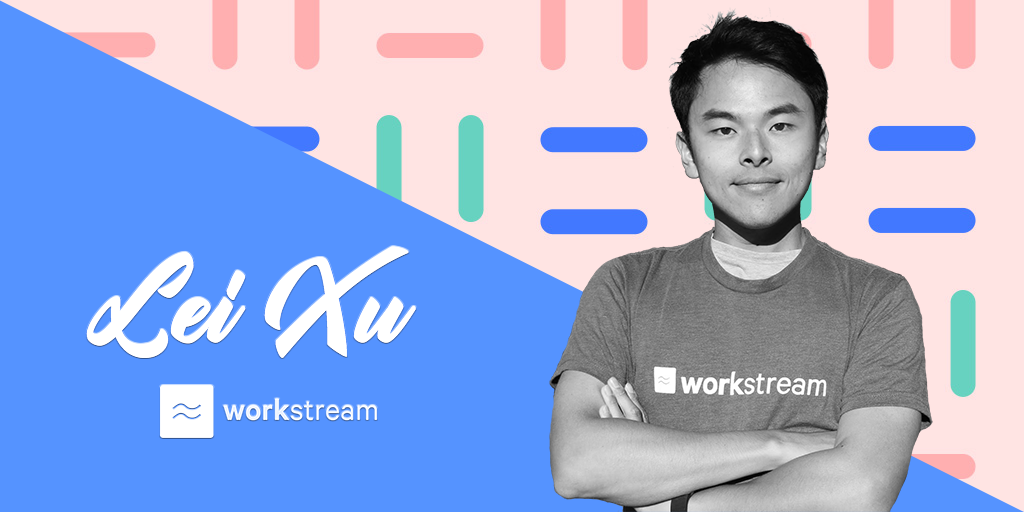
Q&A with Workstream Co-Founder and CPO Lei Xu
- Home >
- Workstream Blog >
- Q&A wi...


Get the latest with Workstream
Always stay current with hiring news by subscribing to our email updates
In today’s Influencer Series feature, we turn the spotlight on another of the creative minds behind Workstream, co-founder and CPO Lei Xu. Early in his career, Lei helped build a sales recommendation engine that helped Google scale and optimize a sales team of several thousand, and was a management consultant for Fortune 500 companies at ZS Associates. Prior to Workstream, he was the co-founder and CTO of Emote, a Silicon Valley based edtech company funded by Y Combinator (S16), helping teachers to track, communicate, and support student emotions and behaviors. He shares with us his experiences in the hourly workspace, what challenges him, and sound advice for running a startup.
Nicole (N): What is the main issue that inspired you to start working on Workstream?
Lei (L): 60% of the US workforce is comprised of hourly workers, and with the rise of the gig economy, that number is only going to increase. Yet when you look at the landscape of HR and hiring software for the SMB and mid market companies, they are oftentimes dated and not focused on making it fast and easy to hire workers. With today's workforce becoming ever more mobile and connected, an employer needs to meet the applicants where they are to have a shot of attracting and keeping talent. When we landed on this key insight, it was simply inevitable to build Workstream to solve it, and it's been a fun journey along the way meeting tons of hard-working and passionate people.
N: What professional accomplishments are you most proud of since you joined Workstream?
L: I'm proud of the amazing customer success team that we've built at Workstream. Prior to Workstream, I had no experience on customer success, but we knew that for us to be successful, we need to lean in on our customers, really listen to them, so we can serve them well. Ultimately for the product to be successful, our team needs to be dialed in to the challenges that our customers are facing. We needed our first 100 customers to love using Workstream. Fast forward to today, we're still in the very early stages of building up customer success, but I'm proud to say we've laid down the foundation that will ensure our customers continue to be successful, and their voices continue to be heard.
N: Have you ever had an hourly job? If yes, please share with us your experience.
L: I've never held a job in retail, food, or hospitality - which I've now come to regret! Back in college, I worked in a variety of hourly jobs in research and customer service. One of the experiences I remember well was doing some very basic levels of "equity research" - which is a very fancy way of saying data scraping by reading PDFs, searching for information, and then copying it over to a spreadsheet. It taught me patience and also the fact that "time is money."
N: What is something you learned that you practice daily?
L: Last month, I just revisited David Allen's popular framework for "Getting Things Done" or "GTD." I first encountered it while at Google, where productivity and efficiency are highly celebrated traits. One key tenet of the GTD framework is that you shouldn't keep anything in your mind -- our minds are wonderful for processing information, but are terrible at storing and retrieving them. Rather, when anything that resembles a "to-do" item enters your inbox (whether it's take out the trash, or write the spec for the next feature), triage it, and put it onto a to-do list. When properly tagged, it helps tremendously in keeping my mind free of distractions and focused on the task at hand.
N: What is the biggest challenge you have met in your career?
L: I'm a sprinter when it comes to work, and I love to put my head down to get things done. The reality though is that in an early stage startup, there literally is an endless stream of ideas and things needing to be done, and it can quickly become overwhelming. For me, the biggest sustained challenge is to keep my head high and maintain a positive mindset through it all - because the difference in productivity and creativity between a "good" and "bad" day is night and day. I've tried a variety of techniques to help me stay sane during the marathon. Currently, it's a combination of meditation, exercise, to-do lists, and not taking my phone or computer into the bedroom.
N: Who inspires you and why?
L: I've just finished reading several memoirs / business books by Richard Branson (Finding My Virginity, The Virgin Way, Screw Business As Usual). I knew little about the man before, but his vigor towards life and work truly inspired me. A serial entrepreneur, he founded several successful businesses and ran them with passion and an authentic culture, decades before those were valued in Silicon Valley. Not one to turn down an adventure, he's had numerous near death experiences, and even at age 69, continues to be active and lead a daredevil lifestyle. I am deeply inspired by the vigor, passion, and curiosity he has towards life.
N: You have an impressive career as former CTO of YC-backed SaaS company, Google engineer. What is one piece of advice that you would give someone who is running a startup?
L: At YC, there is no shortage of people that give you valuable, sincere, and experience- or data-backed advice. I think out of all of them, the best one I heard was a meta advice that as a founder, your job is to figure out which advice to take, and which to ignore. Ultimately, that judgment is what marks the path that you will take.
Okay, maybe another more tangible one. When I think about decisions, one framework that I've learned is to draw a 2x2 with impact and reversible-ness as the two axes. The 4 squares form a good heuristic on how much time and resources you should dedicate to making a decision. High impact, non reversible? Better be darn sure that it's the right thing to do. Low impact and reversible? Delegate.
Learn more about our thought partners, investors, and respected entrepreneurs from our blog.