





The career page may seem to be a tiny tab on your company's website, but, it plays a vital role in the early stages of your hiring process. This is the main landing page where all open career opportunities and job descriptions are listed, and where most (if not all) job applications will go through.
Think of all the different ways you can promote your open positions from social media advertising to the use of job boards, Text-to-Apply posters, and headhunters. All of these tactics depend on a successfully integrated and informative career page. And once a prospective candidate lands on your page, the content and experience you display are what will drive them to either click "apply now," or bounce to your competitor's website.
Importance of having a career page
A career page is important in many ways. While it simplifies the hiring process, it's also crucial in reducing the time and cost of hiring, which helps grow your brand and business.
How is this possible? By consolidating all available job listings in one area, your HR team doesn't have to go through applications across different job boards, which reduces the time available for screening candidates. Additionally, they can easily reroute applicants to the career page, should they have questions on how to best apply for jobs. Cost savings occur as consultancy firms are no longer necessary, and a database of attractive and high-profile CVs are also being stored for future use.
With an increase in open job postings, your clients will also realize your company is growing significantly, which builds trust and increases business opportunities. Furthermore, qualified candidates are also more likely to click on the career page and apply when they visit your website in search of career opportunities, allowing you to build a diverse and skilled team while reducing turnover rates.
Features the best career pages have
Large-scale quick-service restaurants (QSRs) such as Chick-fil-A, Jamba, and Cinnabon leverage Workstream to customize and create the best career pages, which have proven to be successful. Here are some unique features that will be useful in building your career page:
Customization and location-based features
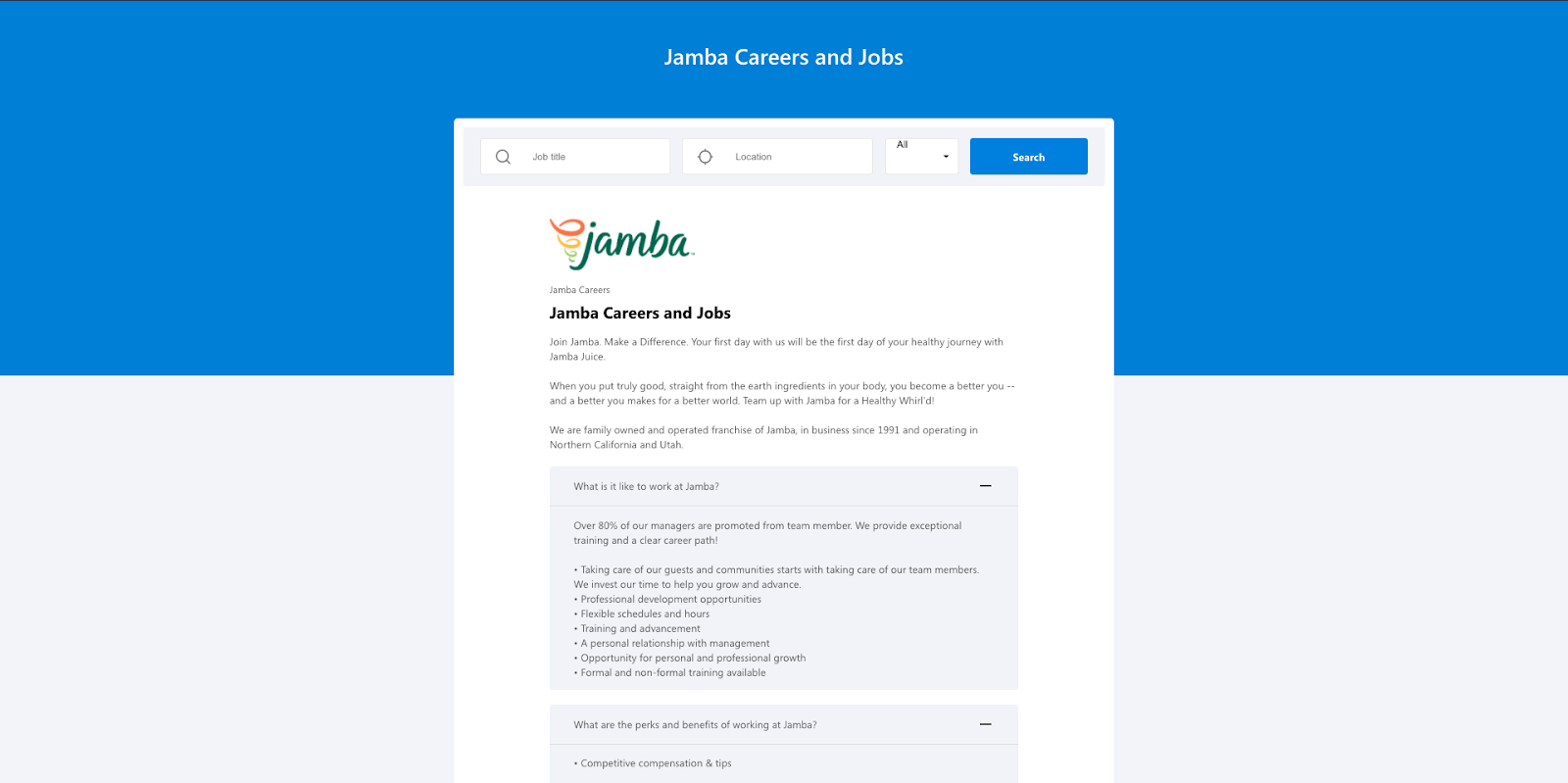
By incorporating a customized background and location-based features, Jamba is able to automatically send 28,000 text messages via Workstream, successfully sourcing over 18,000 applicants in 2019. This effectively saves over 10.3 hours per week per location!
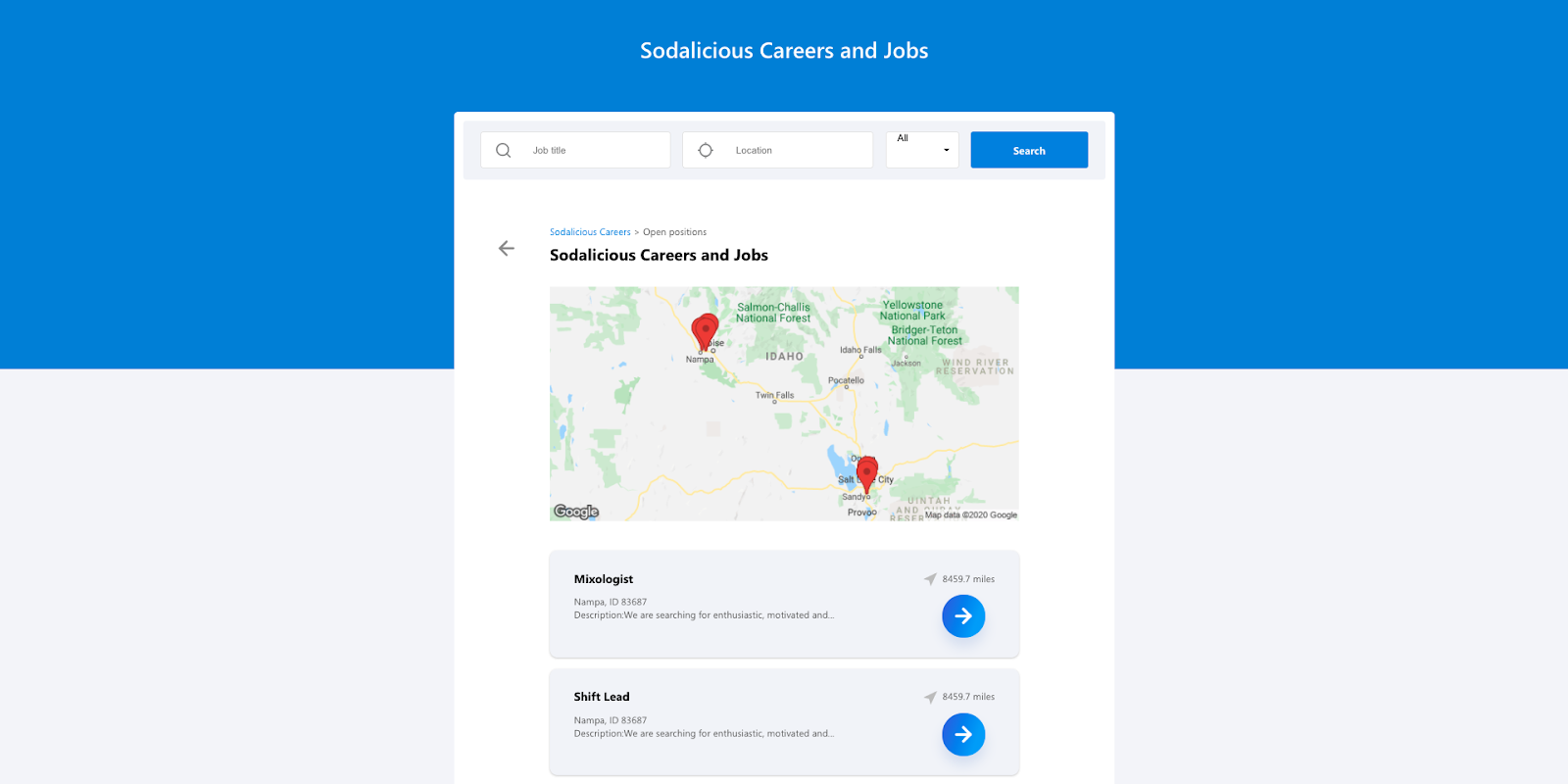
Cinnabon's career page allows applicants to search for job titles by location while indicating the distance between the candidate and the job location.
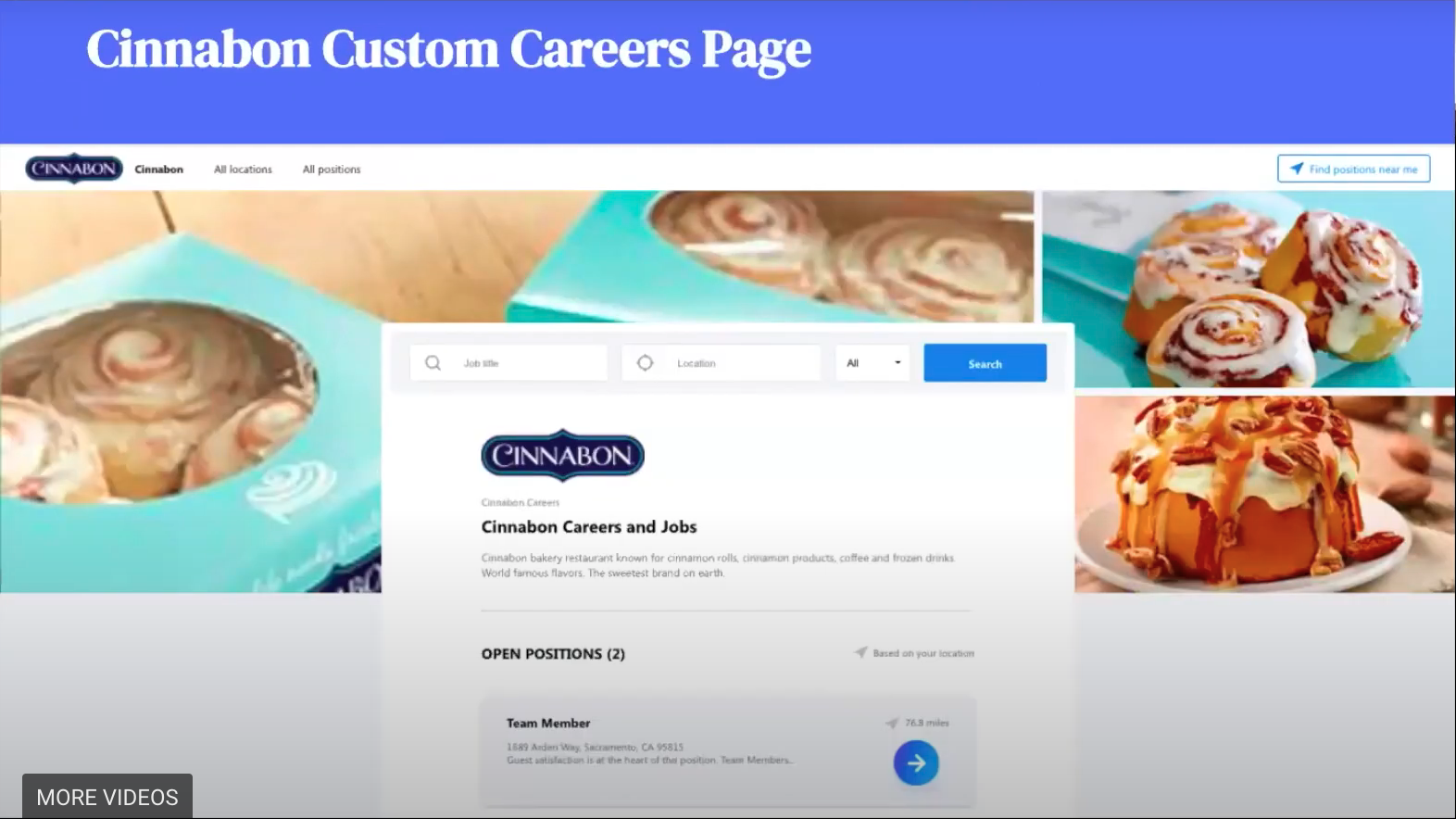
It's especially important for applicants looking for work locations within commuting or walking distance from their homes.
Smart screening
Workstream also allows for customization in terms of questions asked on the careers page. These could include "do you have reliable transportation?" or "are you able to work x hours of shifts on these days?"
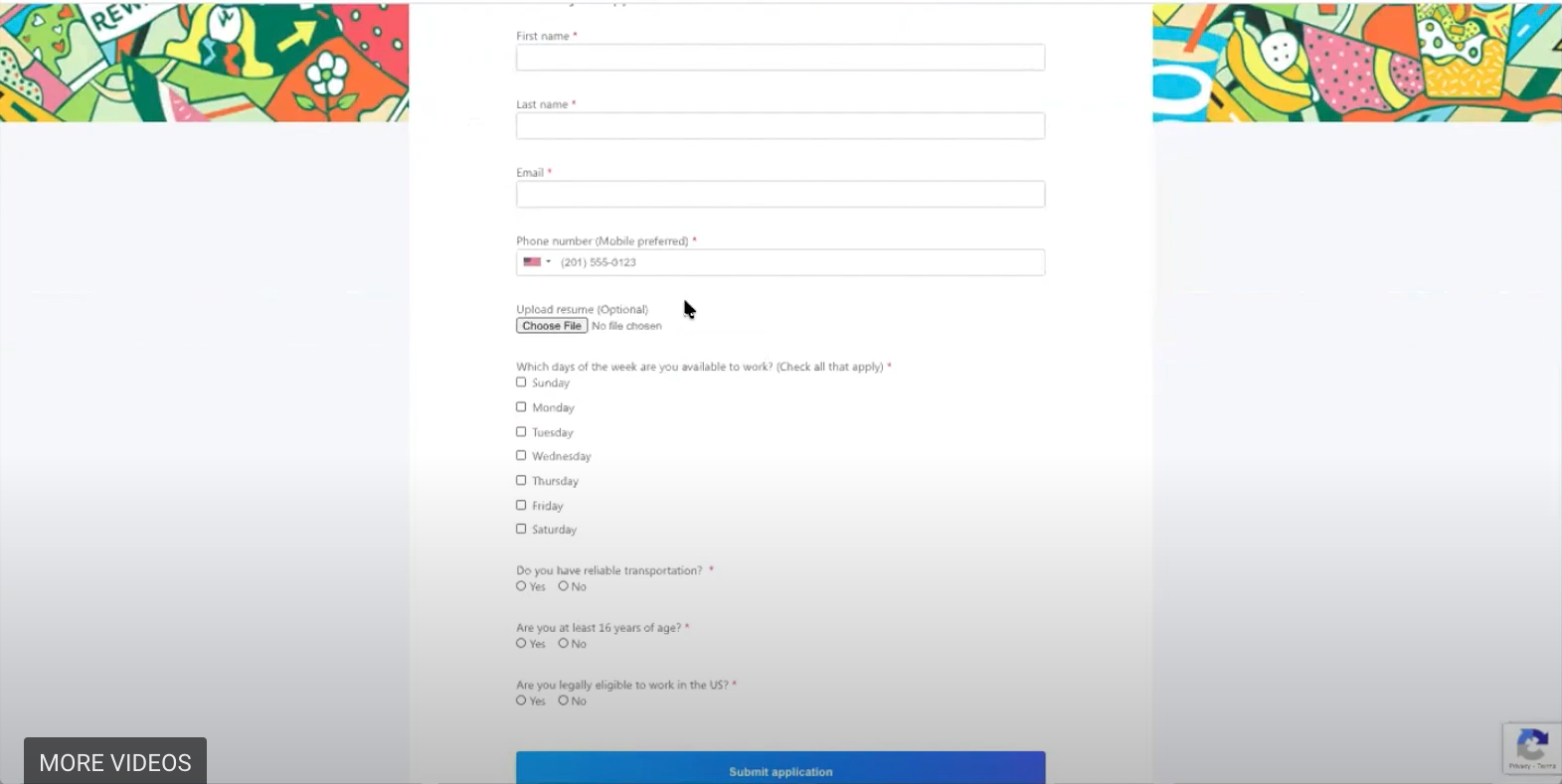
It even allows candidates to upload a 30-second introduction video which helps them showcase their personality. Smart screening questions help in filtering (and automatically rejecting) candidates who may not fit certain crucial requirements for the job, which in turn saves time for the hiring team.
Integrated job boards
All applications are funneled into a central depository where hiring managers can view and manage them without having to log into multiple platforms across different job boards. They are also in touch throughout every stage of the process and can leave comments or feedback on each candidate.
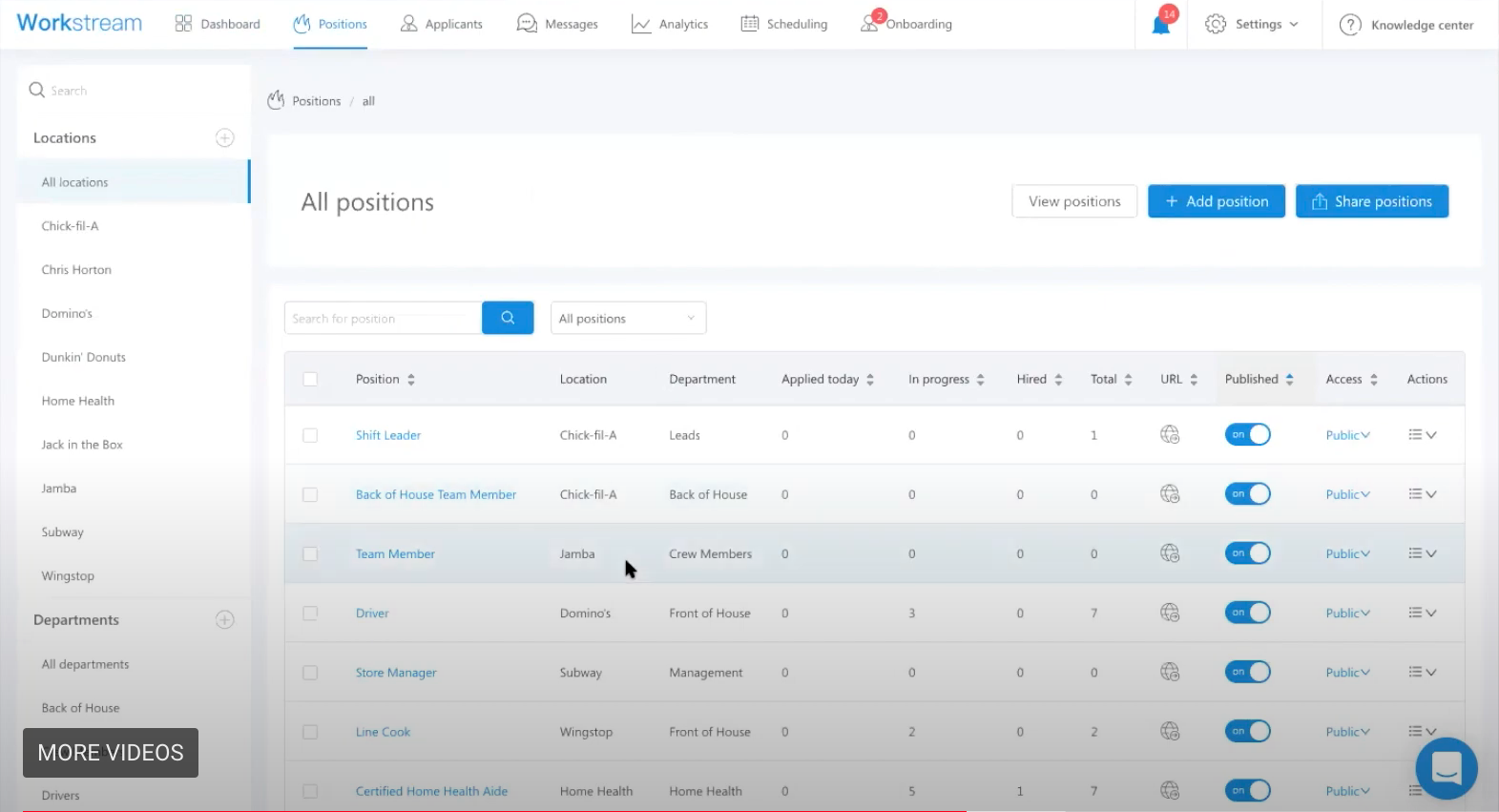
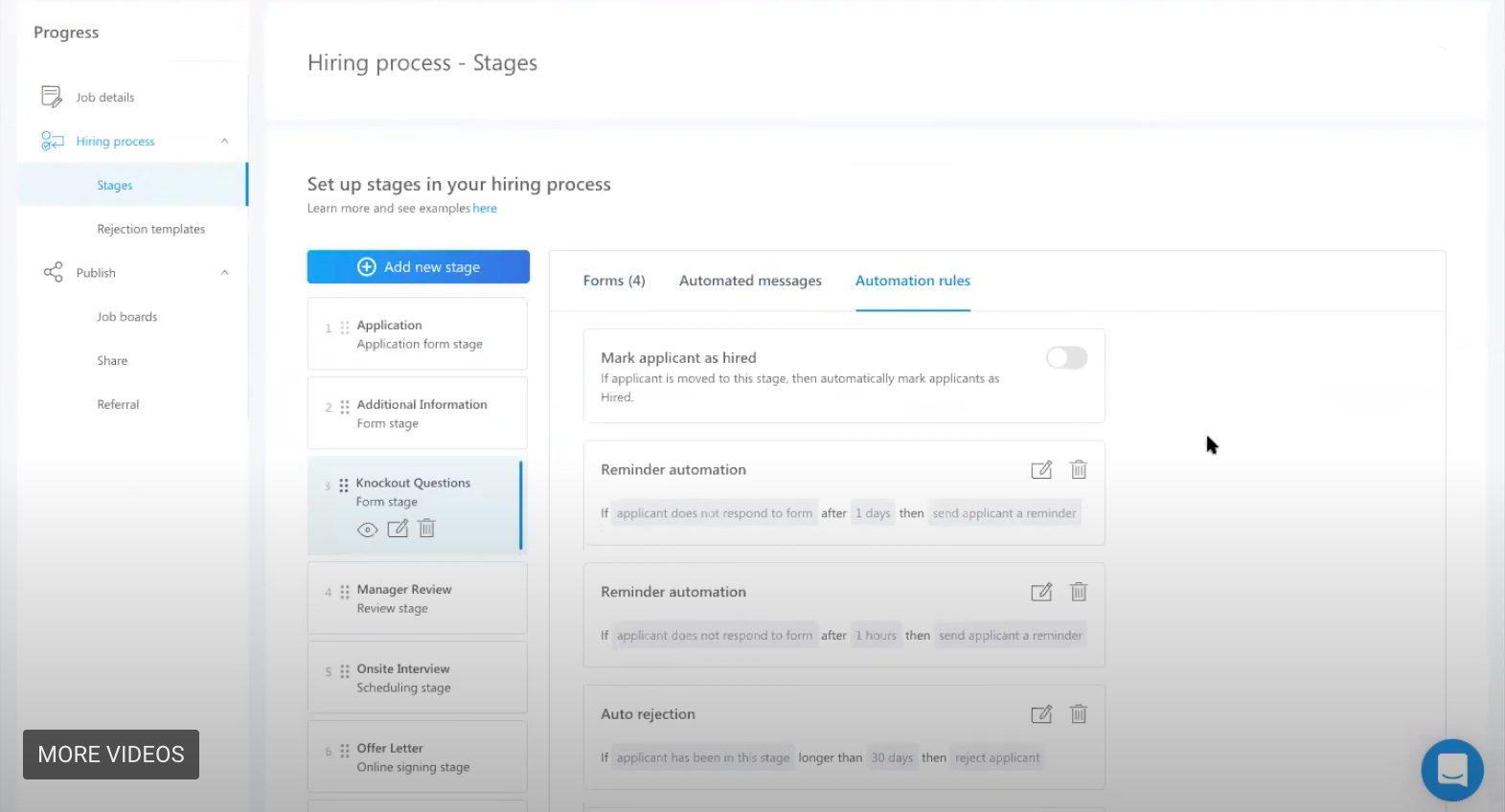
Automation is utilized across every stage of the hiring process, allowing hiring managers to set automation rules to determine if rejections or reminders are sent out to candidates.
Automated scheduling and text reminders
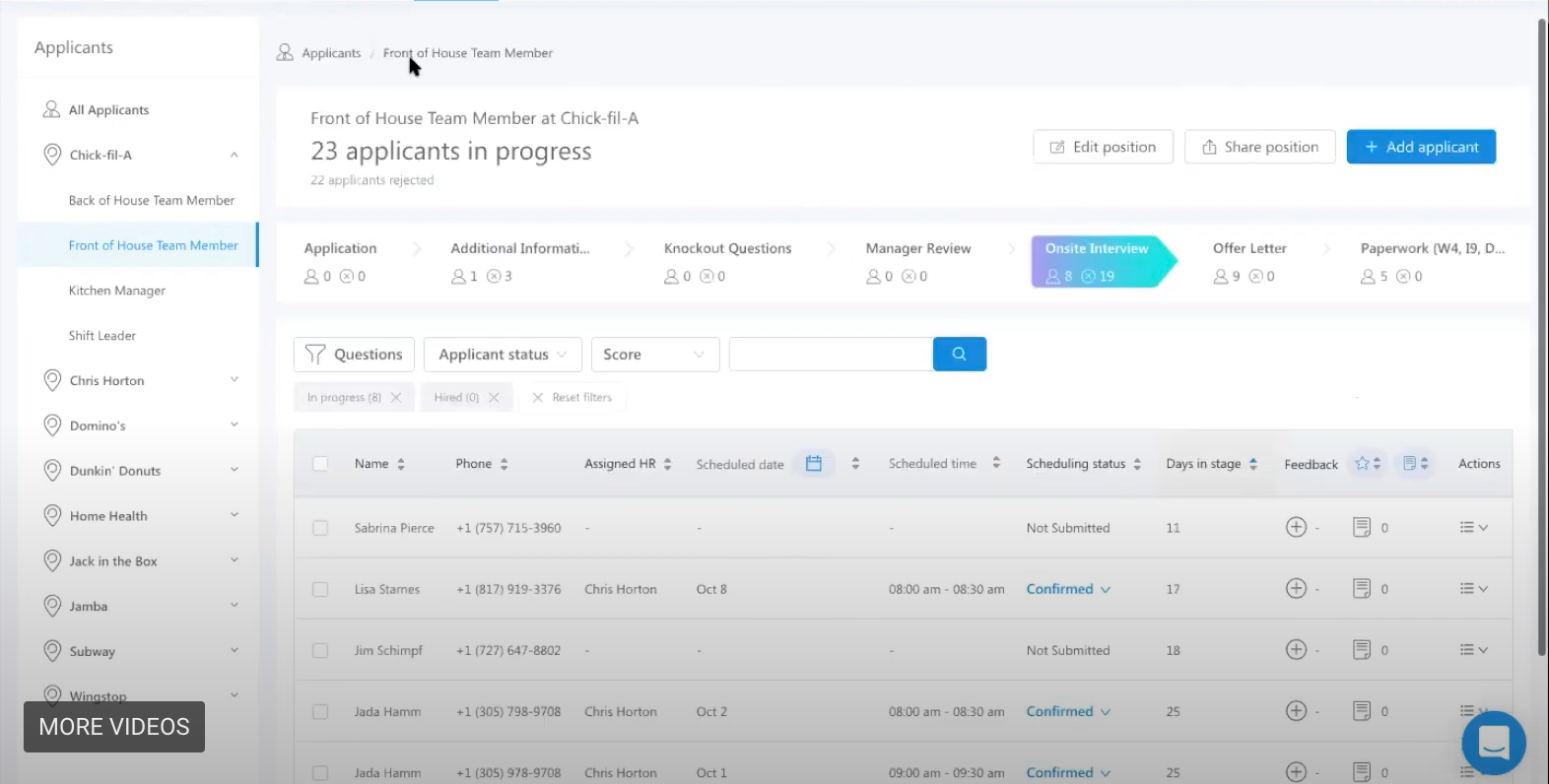
Another common pain point experienced by hiring managers is having to schedule interviews with candidates. It's never easy to find a common time, especially if multiple parties are involved in the interview. However, Workstream allows hiring managers to sync their work calendars on the Workstream platform, thereby allowing candidates to choose a time based on the availability of both parties. Automatic text reminders are also sent prior to the scheduled interview, which reduces ghosting and no-shows. Applicants may also choose to reschedule their interview through text messaging.
Tips for building the best career pages
Now that you know what features the best career pages have, it's time to build your own. Read on to find some examples of the best career pages powered by Workstream.
Optimization (SEO and Mobile)
Search Engine Optimization ensures that your career page appears organically on the Google search results page (which may help in reducing spending on Google Ads), and candidates are more likely to chance upon your career page on your website while surfing the internet. This means that job titles, descriptions, and even the company introduction should contain keywords that are high volume search terms, whenever possible. The key is to find the right balance between optimizing the page and having relevant content available for applicants.
Do not forget mobile optimization, which is equally crucial as more people are applying with their mobile phones rather than on a desktop, and you don't want applicants clicking out of your page too quickly due to a messy layout. Workstream automatically ensures that all the best career pages are mobile-optimized, so that is one less thing to worry about.
Storytelling
The best way to engage potential candidates is through storytelling. From your brand origin to the introduction of the company and job description, having a fun and creative story sets you apart from your competitors. Clearly segmented headers, sections, and subsections in Workstream promote storytelling and unique copywriting across the best career pages.
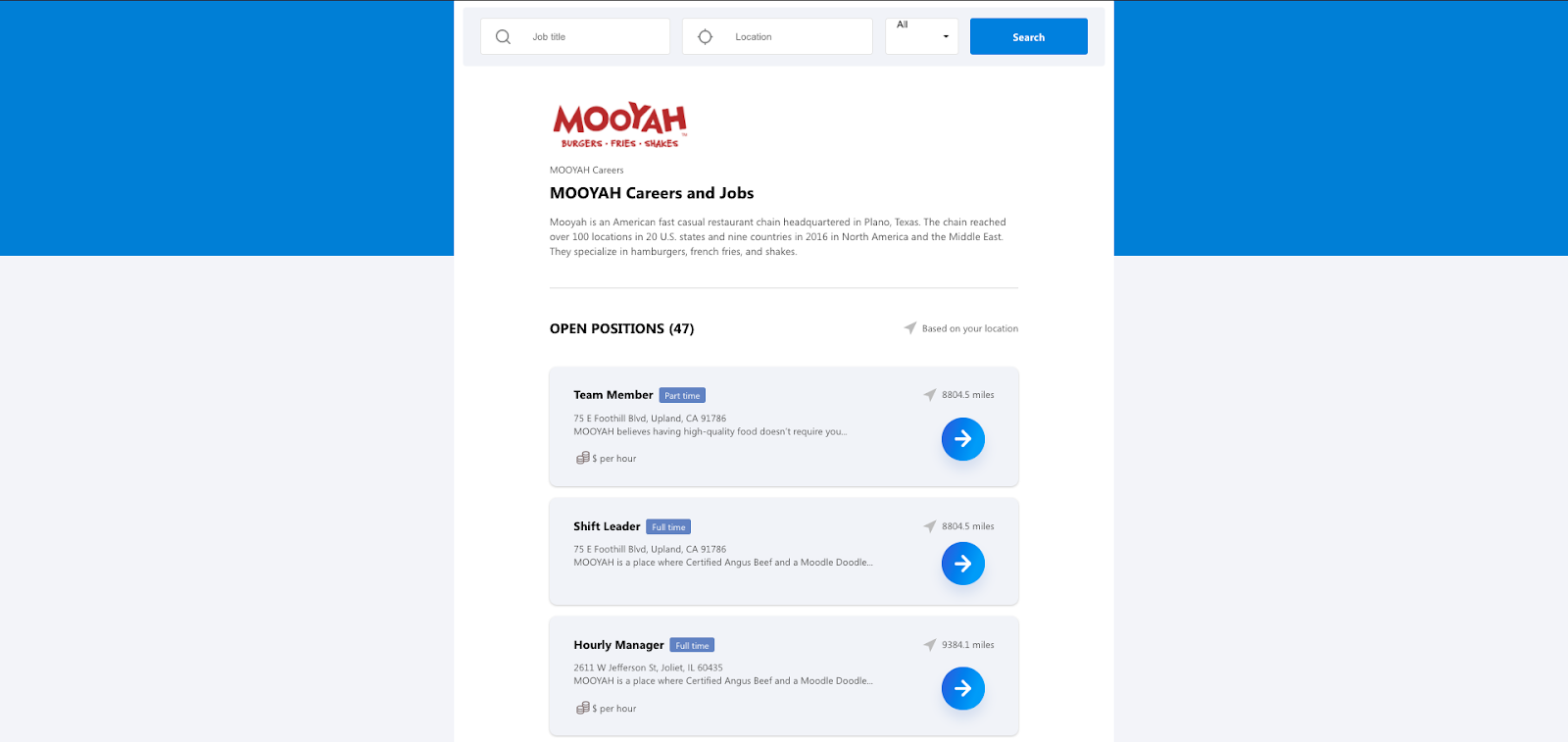
Mooyah crafts exciting brand summaries and job descriptions that are unique to each job posting. This increases the likelihood of candidates wanting to apply for the job.
The storytelling element can be further improved with employer brand videos highlighting company-wide bonding activities, b-roll of staff chatting or enjoying their break time in the office compounds, and even an office tour! These are some simple, yet interesting ways to showcase the company's culture and environment which can be effective in inviting new blood to the team.
Make it convenient for applicants
As mentioned before, location is an important factor for most candidates. Make it simple for candidates to locate the office premises by pinpointing the location on the map relative to their current location, or listing down the distance in miles. This saves candidates some time cross-checking against Google Maps in a separate tab, and they may be more willing to apply for a job opportunity in locations nearby.
Workstream's location features allow for the above to take place, simplifying the process and providing convenience to candidates.
Let Workstream help you
Still not convinced? Workstream has a built-in smart sponsorship system, which allows you to optimize your job postings across multiple job boards and social media sites and access a greater talent pool. The streamlined system also ensures that everything can be done within one platform, providing convenience to hiring managers.
Workstream also makes it easy to send training videos, slides, and quizzes, which is especially crucial for getting employees up to speed on your company policies and procedures before they start on day one. Applicants can access the materials anytime via their smartphones. Furthermore, contactless hiring allows hiring managers to screen candidates via video resumes rather than through face-to-face interviews. SMS reminders are also sent to applicants to guarantee completion of any training courses and can be sent to both new hires and existing employees.
The best careers sites will attract quality candidates for your company, which will in turn help to improve client relationships, save time and cost, and ultimately grow your business.
Workstream has a myriad of features for you to build the best careers pages, which can be your next step in securing a greater applicant pool. Schedule a demo today to find out more.